The Menu
The Tray Menu
In CodeGenius Studio, most activities revolve around the tray menu. This menu is configured from the main window, which is accessible from the tray menu.
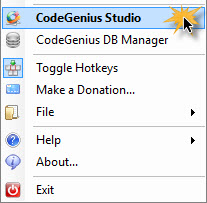
By clicking on this menu item you will open the main window which allows you to configure everything in CodeGenius Studio.
Edit a configuration while in the tray menu
In CodeGenius Studio, you can directly edit a configuration from the tray menu. Just open the tray menu and right-click on the item you wish to edit.
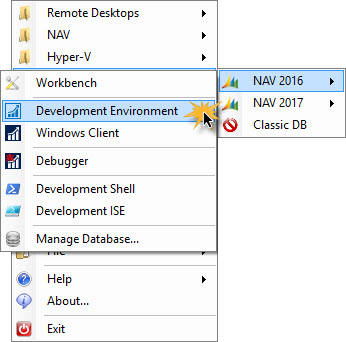
CodeGenius Studio pops-up the editing screen to edit the configuration. This feature works for both Dynamics NAV configurations and Third Party configurations.
Opening the tray menu with a hotkey
The tray menu can also be opened by pressing the assigned hotkey. This hotkey can be configured in the hotkey section of CodeGenius Studio. By default, this is configured to open with the keyboard combination Crtl+Alt+M. The menu will then open in the bottom-right corner of the screen you mouse pointer is on.