Code Tags
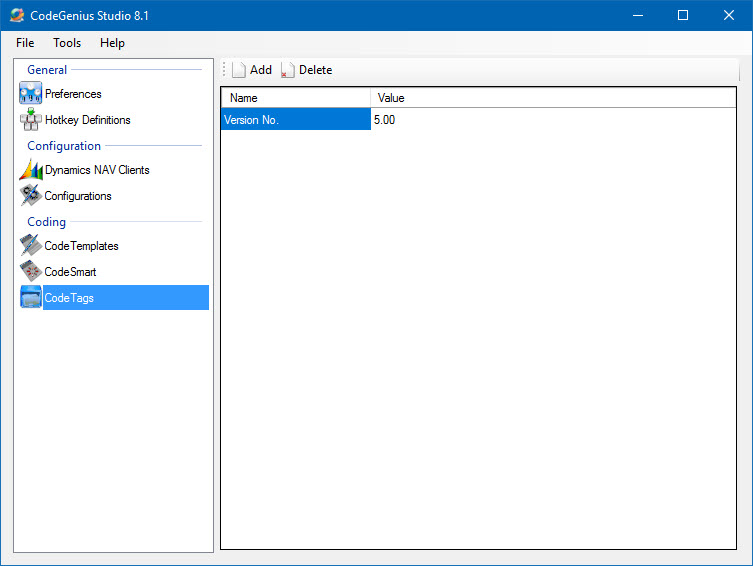
Screenshot of the Code Tags section in CodeGenius Studio
Define your own Tags that are like the Author, Initials, Company, Date, and Time Tag. These are automatically recognized in the Code Template window by appearing blue (instead of red).
When you have a certain variable in a template, but this almost never changes you could use Code Tags for this. You simply define a name for the Code Tag and supply a value. When inserting a Code Template with this tag CodeGenius Studio will replace the tag with this value. CodeGenius Studio will not ask you for the value. When you need to change the value you just edit it here and you are done.
Add and Delete
These buttons allow you to manipulate a Code Tag. To edit a Code Tag just modify the fields directly in this section.