Insert Code Template
1Inserting templates with tags that need to be completed
When you insert a template that has one or more tags you need to complete you do this directly in one screen. After you have completed all tags you can simply hit the Enter key to accept the values and insert the template.
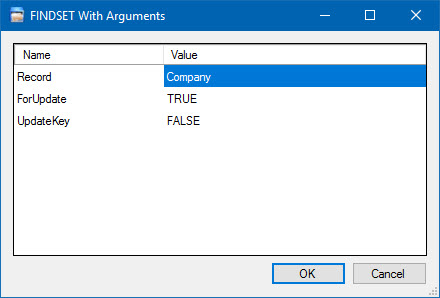
Screenshot of Code Template insert dialog in CodeGenius Studio
Other things you may notice are that the name of the Code Template appears in the title of the input dialog. This is to make it possible for users to see they hit the correct hotkey.