File Features
The File Features can be found in the Tray menu under File.
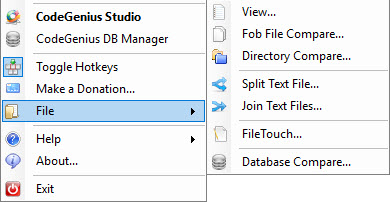
The File Features can be found in the Tray menu under File.
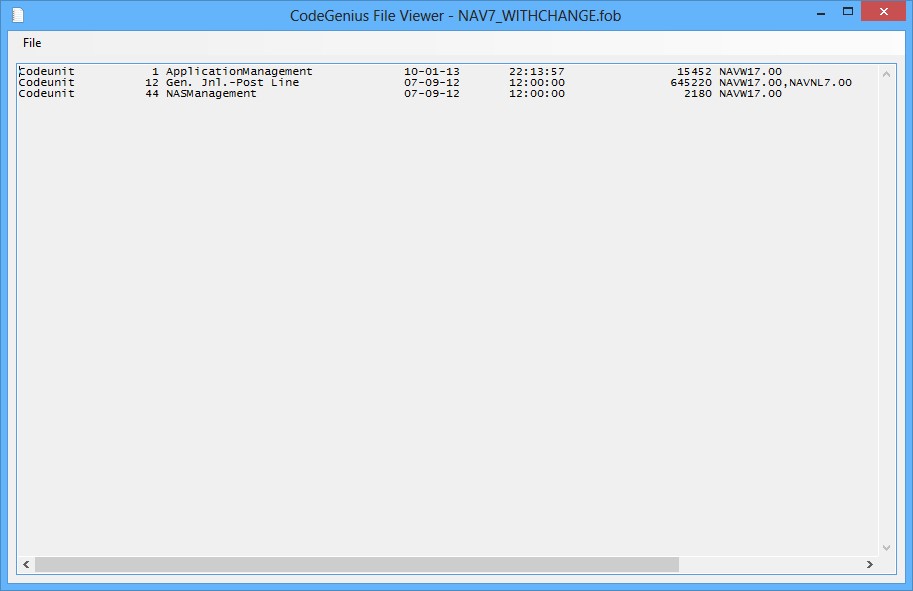
Never ever open another FOB file in Microsoft Dynamics NAV to import to only find out you got the wrong FOB. The CodeGenius Studio File Viewer can open FOB files and display the contents so you never have to wonder again what the contents is.
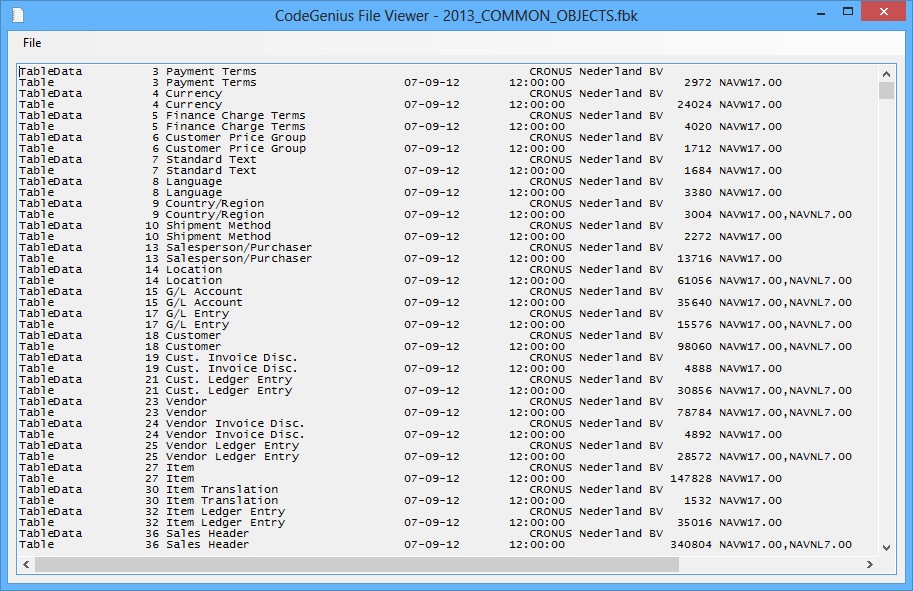
Never ever open another FBK file in Microsoft Dynamics NAV to restore to only find out you got the wrong FBK. The CodeGenius Studio File Viewer can open FBK files and display the contents so you never have to wonder again what the contents is.
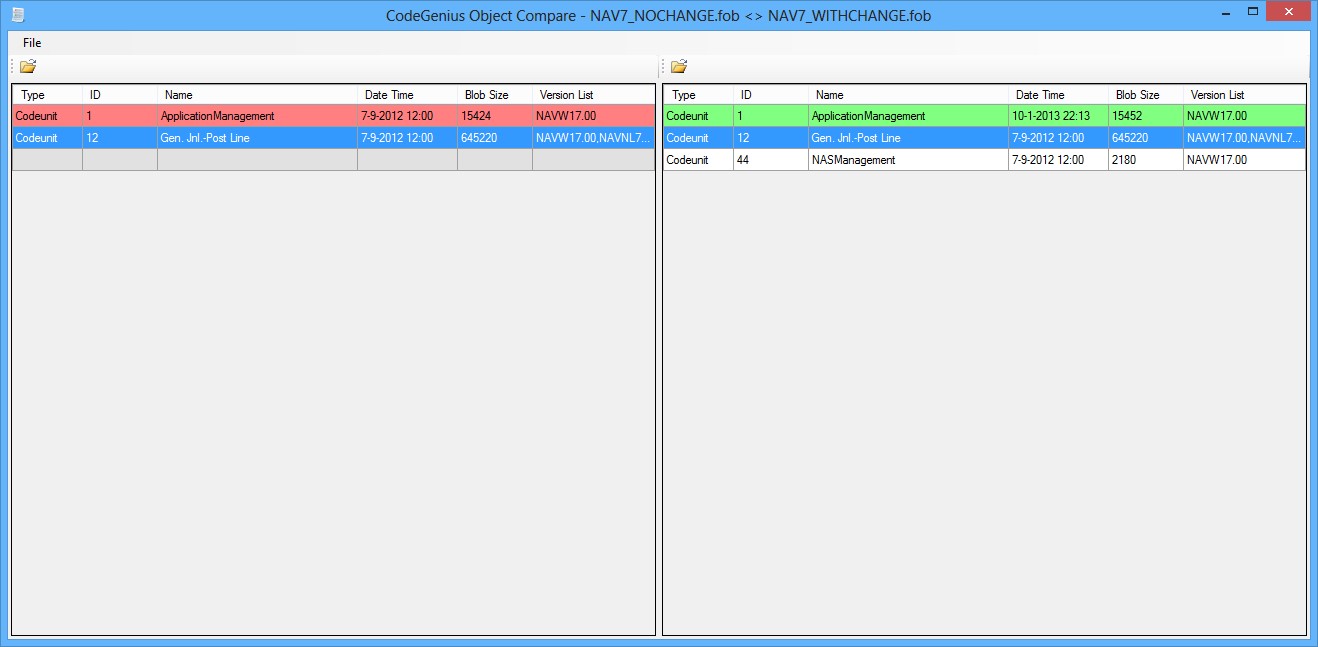
Ever had the need to compare the contents of 2 FOB files? Use CodeGenius Studio FOB compare. Just select the 2 files you want to compare and CodeGenius Studio FOB compare will show you the differences between the FOB files.
It will tell you which objects are equal, are different and are older and/or newer. A smart way to quickly see if that FOB you want to import is actually the latest version.
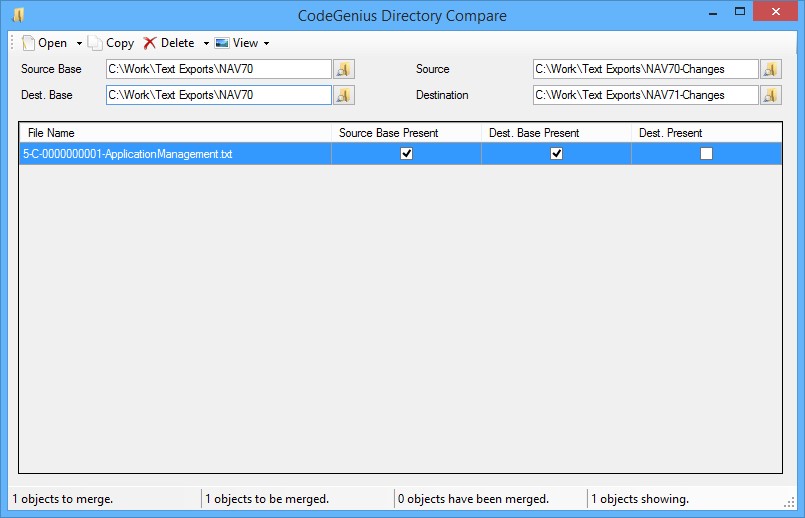
Perform a 3-way compare of files and have CodeGenius Studio help you with the merge/compare. By scanning the folders CodeGenius Studio can "see" what needs to be merged and what has been merged allowing you to effectively do a merge. With the support of Beyond Compare and Axaris Merge the 2 most commonly used merge tools are supported.
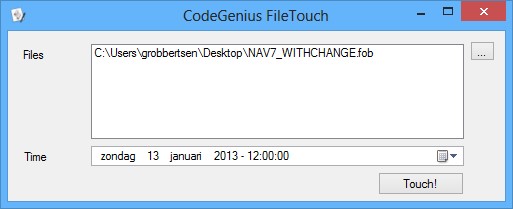
This tool allows you to set the file date and times of one or more file to the configured date and time. This can be really handy when dealing with releases and you try to make that final finishing touch!
All you have to do is select the files you want to add and click Touch!