Clients
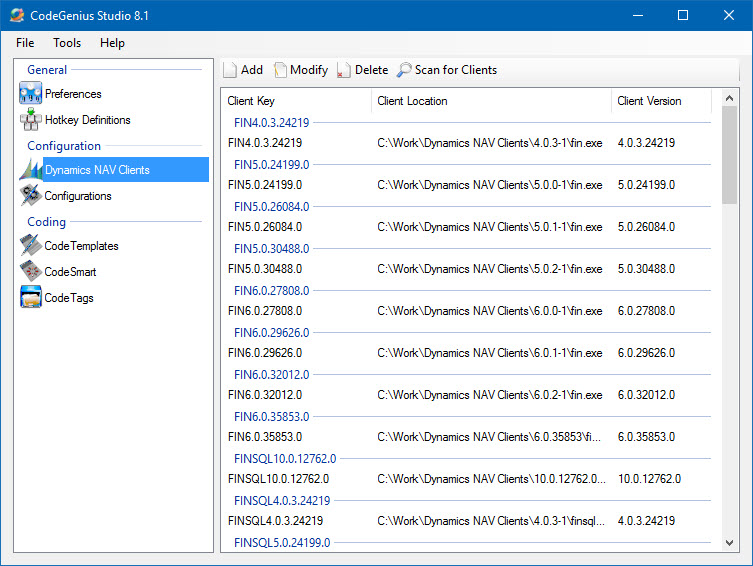
Screenshot of the Dynamics NAV Clients section in CodeGenius Studio
Scanning for Clients
CodeGenius Studio has a scan for clients option. When you click this button you will be asked to specify a folder from where to search for Dynamics NAV clients. CodeGenius Studio will search this folder and any subfolders for any clients. They will then be grouped by Client Key. This makes it possible for the user to setup configurations and run multiple local configurations at once without any.
Add, Modify and Delete
The Add, Modify and Delete buttons are added to allow you to manually manipulate the list of clients.
Role Tailored Clients and Classic Clients
Both Role Tailored Clients and Classic Clients are supported in CodeGenius Studio.
Client Key
Client Key by default combines Executable name and Version Number of the client. However, you can redefine the Client Key to make differences when using clients in your Client Configurations. (E.g. localized clients)
For example:
You could have a 2009 R2 W1, a 2009 R2 NL, and 2009 R2 DE client on your system because you need to develop in databases with the same localizations. By adding the Country code to the Client Key you can then separate the clients and use the German client with the German database, the Dutch database with the Dutch client and so on.