Hotkey Definitions
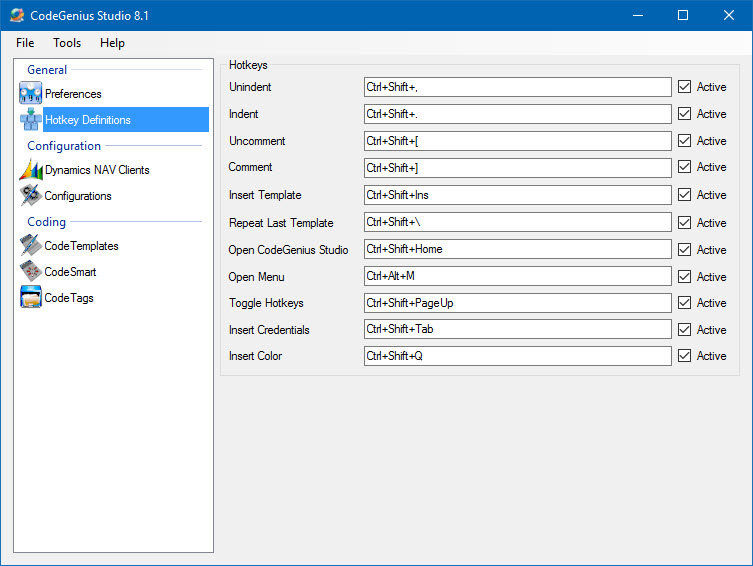
Screenshot of the Hotkey Definitions section in CodeGenius Studio
| Field | Description |
| Unindent | Hotkey for unindenting blocks of selected code. |
| Indent | Hotkey for indenting blocks of selected code. |
| Uncomment | Hotkey for uncommenting blocks of selected code. |
| Comment | Hotkey for commenting blocks of selected code. |
| Insert Template | Opens a dialog and allows user to select a template from all available templates. Useful for templates that are very seldom used. |
| Repeat Last Template | Repeats the last template you have used in this session. |
| Open CodeGenius Studio | Open the CodeGenius Studio main window. |
| Toggle Hotkeys | Disables all hotkeys defined. Except for this hotkey. |
| Insert Credentials | Insert username and password into the login dialog of Dynamics NAV. This is only works in the Dynamics NAV login dialog! |
| Insert Color | Open the Color dialog and allows you to compose a color and insert it in code (or the properties window). |