Workbench
Workbench
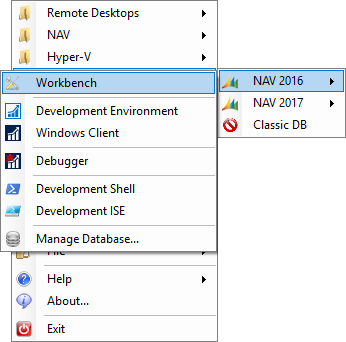
Every Dynamics NAV SQL server configuration now has the Workbench menu item and will open the Workbench for that particular database.
Main Workbench Window
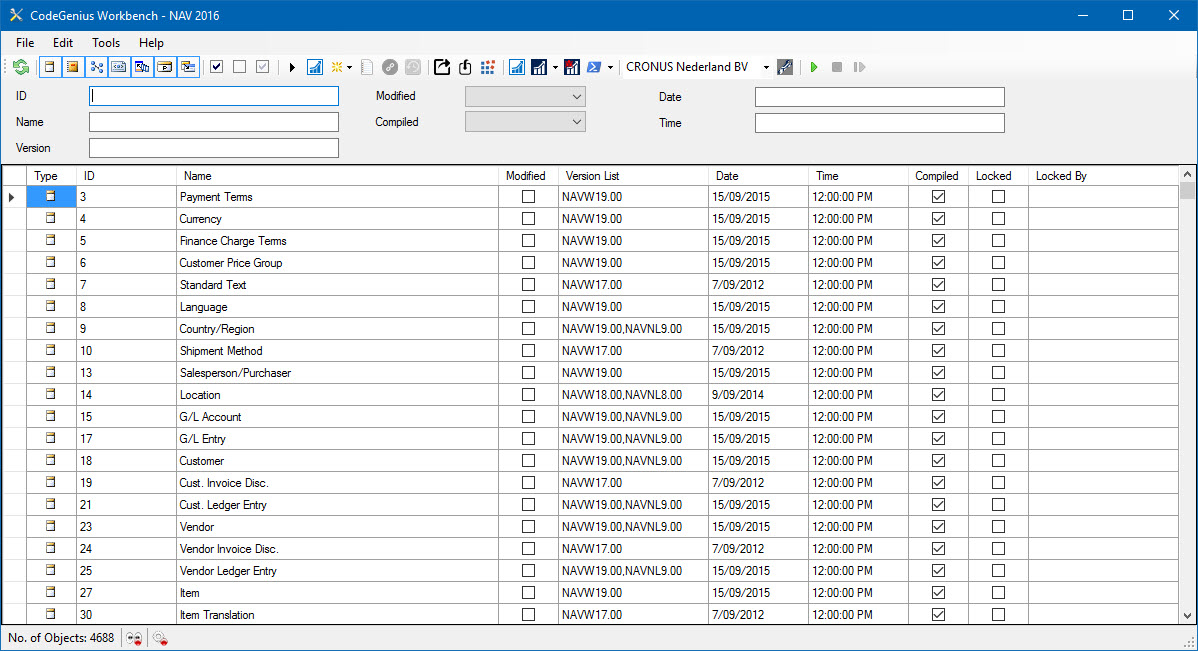
Screenshot of the Workbench in CodeGenius Studio
What is the Workbench? Well, it is a one stop location to start working on a database! You can filter objects, check their status and get direct access to the available clients (Classic/Dev. Environment and Role Tailored/Window clients).
Want to run an object? No sweat! Just click on the object you want to run and click on the run button in the toolbar.
Want to edit an object? Same thing, click on the object to edit and hit the design button in the toolbar.
Create a new object? Click on the New button in the toolbar and select the type of object you want to create.
Export or Compile objects? Filter the ones you want to export or compile and hit the appropriate toolbar button.
Import objects? Click on the import toolbar button and select a text or fob file (2013 and higher) and let the Workbench do the work for you.
Also start the various clients from the Workbench.
Need to debug in 2013(R2)? Hit the debug button in the toolbar to start the debugger and start debugging. No need to open the Development Environment to start a debugging session ever again!