What is CodeGenius Studio?
CodeGenius Studio is the premium tool to help you manage your Microsoft Dynamics NAV clients, databases, and code.
While CodeGenius Studio has some functionality to help developers that develop in Microsoft Dynamics NAV it is not specifically a developer tool. The client management capabilities are quite extensive and will help anyone that uses Microsoft Dynamics NAV with multiple versions and databases.
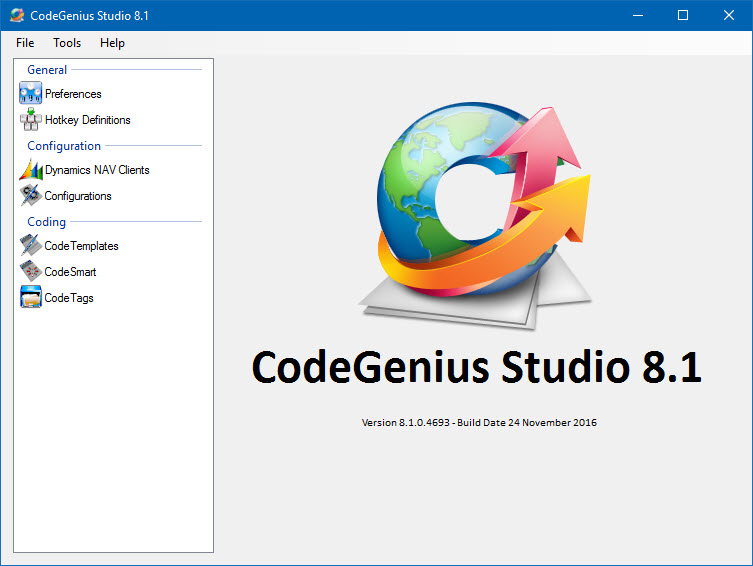
CodeGenius Studio can help you with the following tasks:
- Organizing your Dynamics NAV clients (multiple versions on one system).
- It has been proven to work with all Dynamics NAV (Navision) clients from version 2.x
- No real need to install any version of Dynamics NAV. However, it is recommended to install at least one version of Dynamics NAV.
- Organizing your customer databases and link these to the correct client version.
- Access all developer features in one place: The Workbench
- Organizing third party tools you use while working with Dynamics NAV.
- Code Templates to configure snippets of code with placeholders to easily insert these snippets of code into Dynamics NAV code.
- CodeSmart is the C/AL code completion tool within CodeGenius Studio. It helps developers writing their C/AL code. It also is completely customizable making it very versatile. CodeGenius Studio now integrates code templates with CodeSmart making it possible to access your templates in the C/AL editor.
- View License Files (flf), Object Files (fob), and Backup Files (fbk).
- Compare Object Files (fob).
- Text File Splitting and Joining at high speed using customisable file names.
- Directory Compare utility to help you merge solutions using three-way compare/merge utilities like Araxis Merge and Beyond Compare.
- Sharing your configurations across your organization.
With all these features CodeGenius Studio is one of the most powerful tools for Microsoft Dynamics NAV. Once you have it, you won’t want to work without it any more!